Here’s how Samsung Pay on the Gear S3 works with non-Samsung devices
Yesterday, Samsung announced that Gear S3 owners are now able to use Samsung Pay to purchase goods using their smartwatch even if it’s not paired with a Galaxy-branded smartphone thanks to a new update for the Gear Manager application — and now we know how it works.
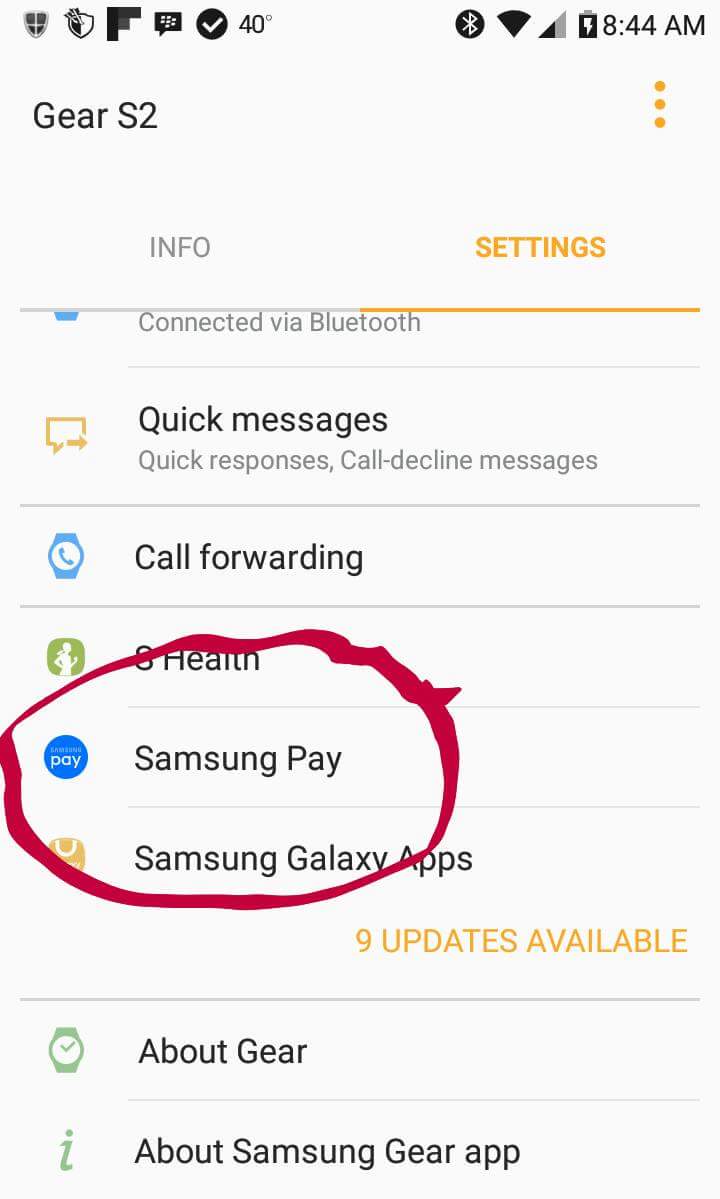
To bring the functionality to the Gear S3, Samsung has had to adapt its mobile payment platform to work within the Gear Manager app. Once you’ve downloaded and installed the latest version of the app, you’ll find a dedicated Samsung Pay configuration menu listed below S Health.
Before you dive in and start making payments from your wrist, you’ll first need to tap on the Samsung Pay subheading in the Gear Manager app, then follow the step-by-step instructions to create an account, input you billing and credit/debit card information, and verify that it’s correct.
That’s all there is to it.