Will my phone change for Daylight Saving Time automatically?
Let's do this whole time change thing again.
Twice a year the clocks change (for most of us). We "spring forward" an hour and then "fall back" the hour later in the year, and depending on where we live that happens on a different day. It's all sort of convoluted. And this inevitably leads to folks wondering what they have to do to their Android phone so things work right after the switch. If this sounds like you, we've got good news:
You don't have to do anything.
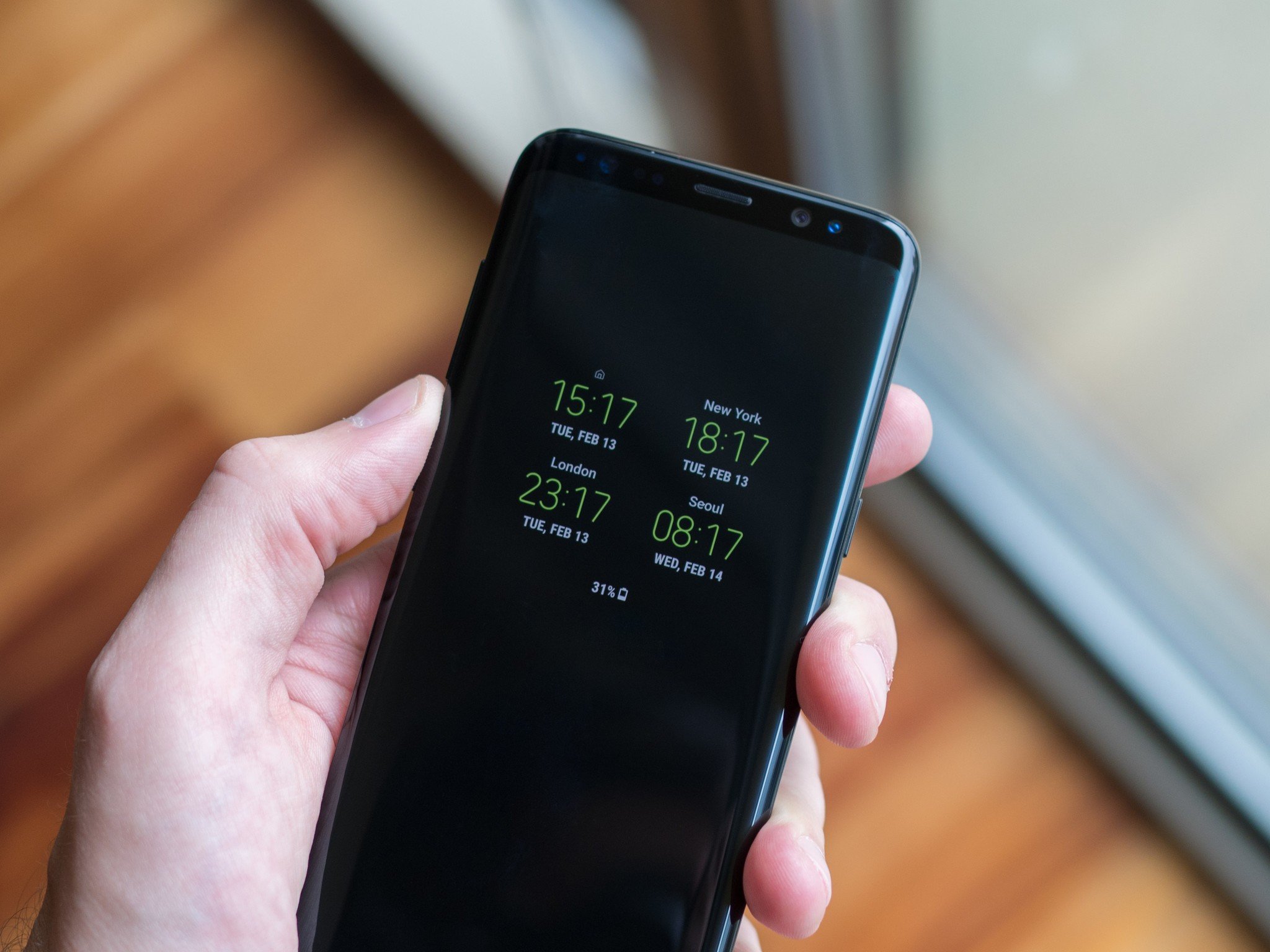
This is the best thing you'll never have to do for your phone!
Unless you went into your phone's settings and switched away from the automatic network time (in which case you already know what to do), you won't have to do a thing. Your Android will check the network for the correct date and time and switch itself on it's own overnight, changing the system time so that things like calendars and alarms will still be right. The same thing applies when other parts of the world move an hour forward or back on their schedule, or if you travel to those places, and still apply in six months when we change again. And more practically, it also lets our phones know the correct local time when we fly or drive to a different time zone.
If you're worried about your phone's ability to switch the time automatically, go double check your "date & time" settings (typically under the "system" section) and make sure your time zone is set properly and that you have "automatic date & time" and/or "automatic time zone" turned on. So long as they're turned on and you have a cellular connection, the network and phone will handle the rest while you sleep.
#Google #Android #Smartphones #OS #News @ndrdnws #ndrdnws #AndroidNews


