Start your day on a high note with musical alarms on the Google Clock app
Starting today, you'll be able to wake up to your favorite music on Spotify with the Google Clock app. Swap out the classic alarm sounds for your favorite pump-up song, a calming soundtrack or a mood-boosting melody.
To get started with musical alarms, make sure the latest versions of your Spotify and Clock apps are installed and connected on your device—this works for both Free and Premium Spotify users. Then choose your perfect wake up music. You can browse recently played music, choose from Spotify's curated morning playlists, or search for a specific soundtrack.
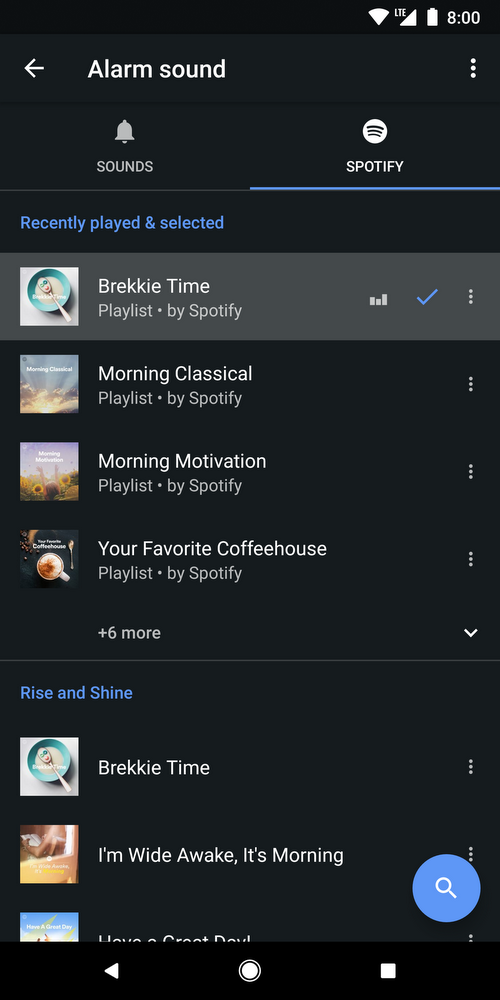
Now when your musical alarm goes off, it will be a whole lot easier to get moving. After switching off your alarm, you'll have the option to continue listening to Spotify throughout your day.
This feature will be rolling out globally this week on the Play Store, and will be available on all devices running Android 5.0 (Lollipop) and above.
#Google #Android #Smartphones #OS #News @ndrdnws #ndrdnws #AndroidNews


