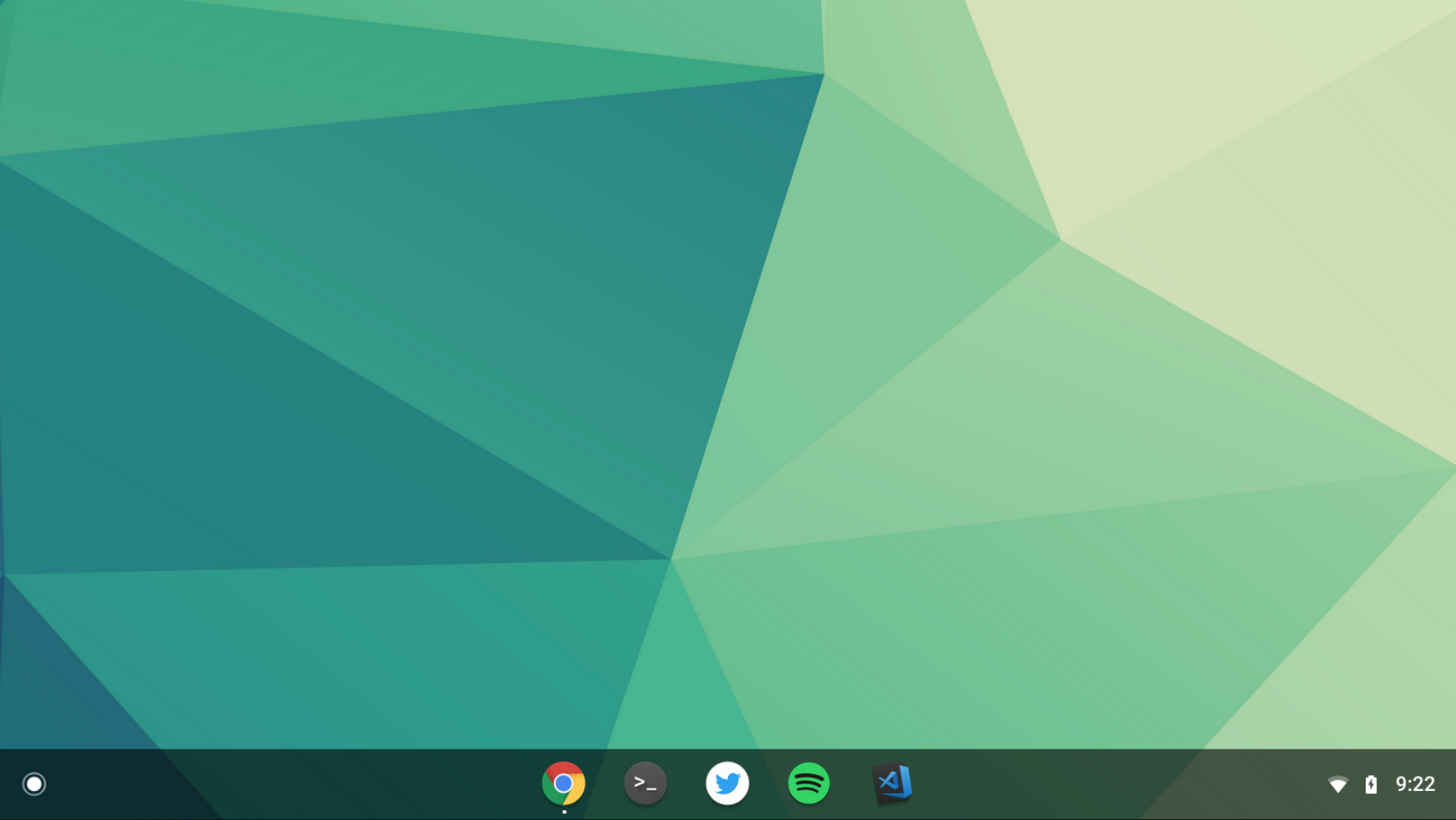
Chrome OS is experimenting with a centered shelf layout
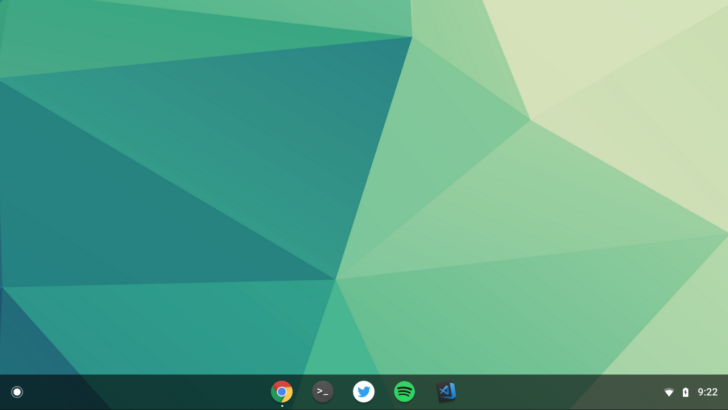
The team behind Chrome OS is often testing new features via flags, and the latest of these is a centered shelf layout. The concept is pretty simple - the apps you have on your taskbar, called a 'shelf' by Google, get centered with this flag. Fancy stuff.
In this experiment, the pinned apps are on the left, while the other icons are on the right. I would say the change is reminiscent of macOS's taskbar, but it's kind of hard to claim given that this is just a matter of alignment, and it doesn't disappear by default like Apple's does. Many people have been saying that this makes the UI more touchscreen-friendly, but I'd argue the opposite; putting the apps in the center makes them more difficult to reach with your fingers.
Anyway, if you're in the Canary channel and would like to try this out, enable the flag "chrome://flags/#shelf-new-ui" and restart Chrome.
#Google #Android #Smartphones #OS #News @ndrdnws #ndrdnws #AndroidNews